Banners para firmas de email de Halloween
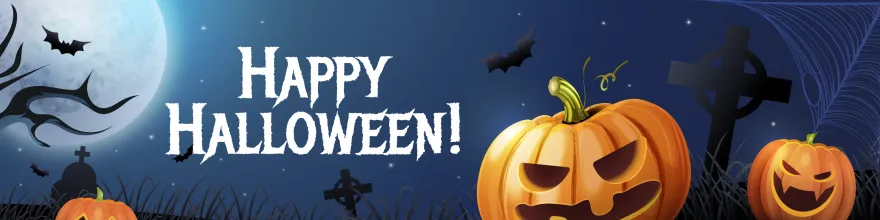
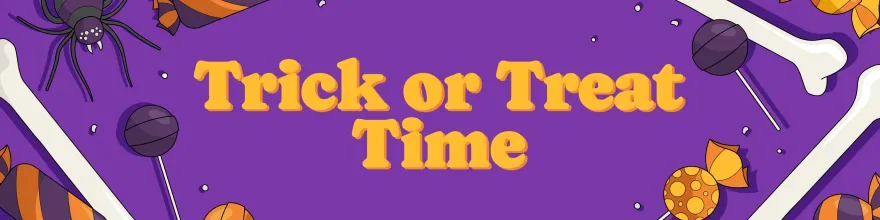
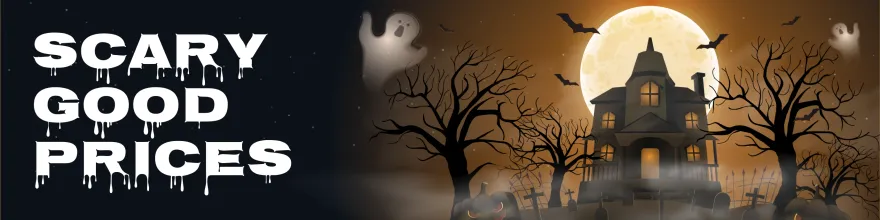
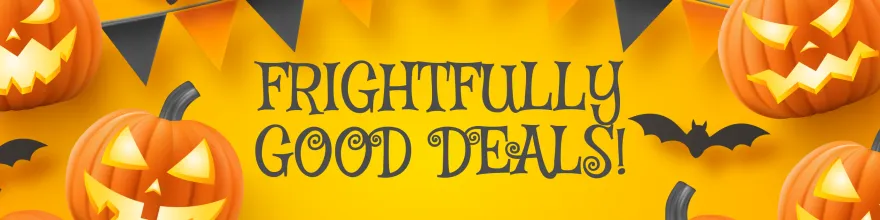
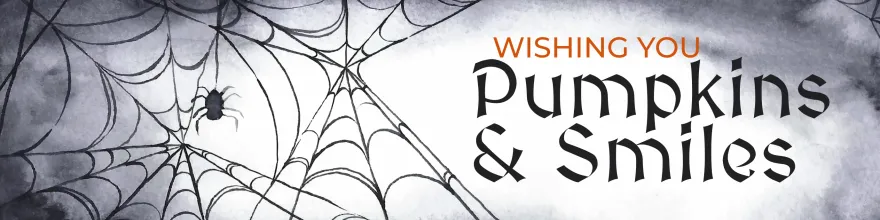
Explora los banners de HalloweenAñade un toque divertido de Halloween a tus emails con llamativos banners para tu firma. Elige entre simpáticas calabazas, animaciones embrujadas de MySignature y diseños que aportan un toque estacional.
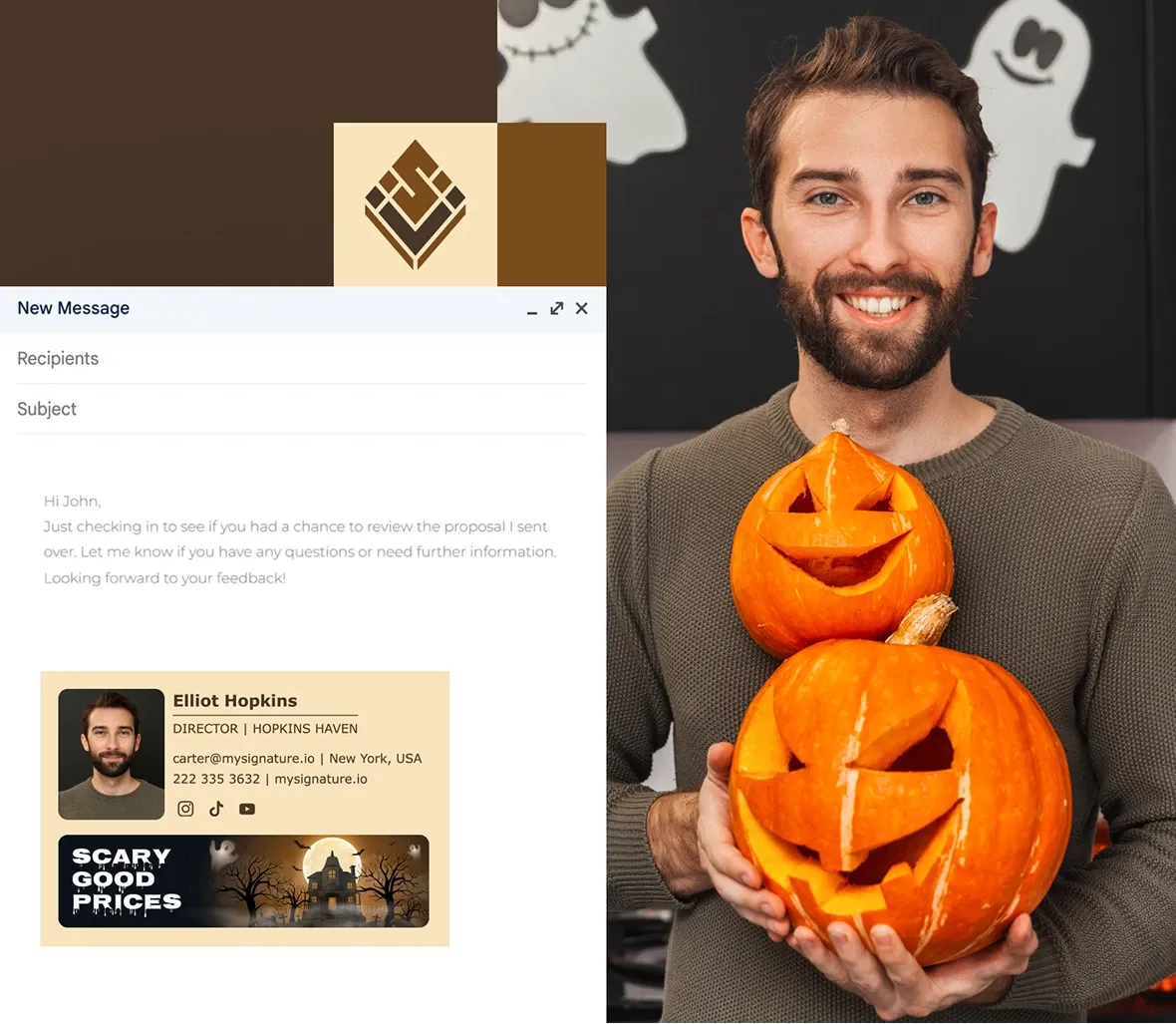
Plantillas gratuitas de banners para firmas de email de Halloween
Haz clic en cualquier banner para añadirlo al editor de MySignature. Elige entre plantillas estáticas PNG/JPG o GIF animadas, personaliza tus datos y guarda los cambios.
Ver otros banners distintivos de las fiestas
Mantén tus firmas de emails actualizadas durante todo el año modificándolas para las diferentes fiestas. Después de Halloween, considera cambiar a banners para:
Banners del Cyber Monday
Banners para firmas de email del Black Friday
Día Internacional de la Mujer
Banners para firmas de email del 4 de julio
Banners para firmas de email inmobiliarias
Banner para Pascua
Banners para firmas de email de Acción de Gracias
Banners para la firma de email de Año Nuevo
Banners para firmas de email navideñas
Cómo agregar un banner de Halloween a tu firma de email

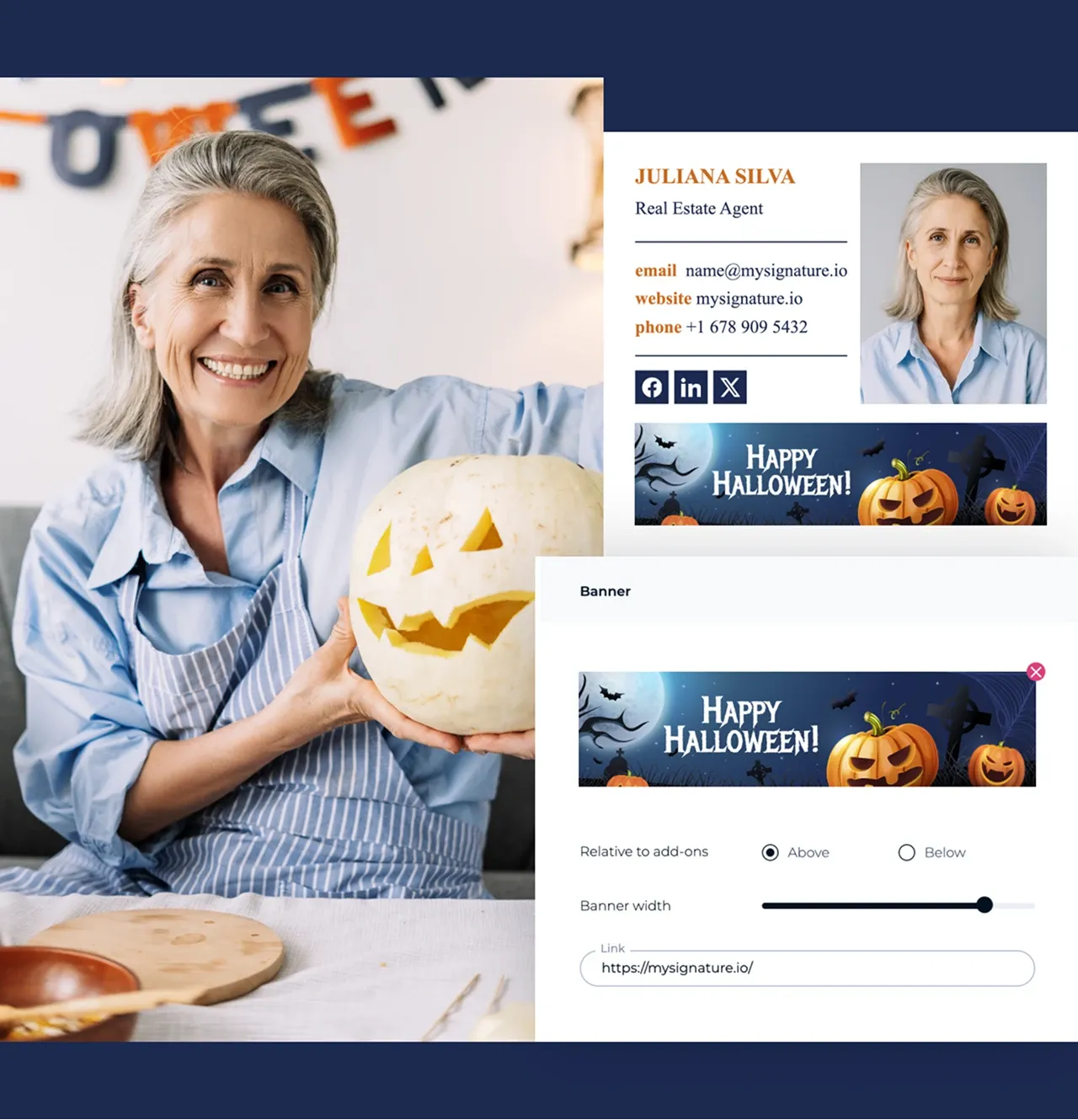
Inicia sesión en tu cuenta de MySignature y abre el Editor de firmas.

Ve a la sección Imágenes del editor.

Abre la galería de banners y explora los banners con temática de Halloween.

Selecciona el banner que te guste y haz clic en Añadir a la firma.

Ajusta el tamaño y la ubicación del banner para que se adapte bien a tu firma.

Si lo prefieres, puedes subir tu propio diseño de Halloween desde Canva u otra fuente.

Guarda tu firma y aplícala a tu cliente de email.

¡Ahora tus emails tendrán un toque espeluznante de Halloween!
Consejos para crear un banner de firma de email para Halloween
Dale a tus emails un toque espeluznante este Halloween con una firma que destaque:
- Elige un banner espeluznante: explora la galería de banners de Halloween de MySignature o sube tu propio diseño para añadir un toque festivo.
- Mantén el equilibrio: asegúrate de que el banner complemente tu texto característico sin eclipsarlo.
- Utiliza colores de temporada: incorpora colores típicos de Halloween, como el naranja, el negro y el morado, para que tu firma sea alegre y acorde con la temporada.
- Vista previa antes de enviar: comprueba cómo se ve tu firma en diferentes clientes de email para asegurarte de que se muestra correctamente.
- Actualiza cada temporada: cambia tu banner después de Halloween para que tus emails sigan siendo actuales y relevantes.
F.A.Q
¿Qué tamaño debe tener tu banner de email de Halloween?
Intenta que el ancho sea de entre 640 y 800 píxeles. Así los banners se verán nítidos y serán ligeros. Mantén los archivos por debajo de los 500 KB para que se carguen rápidamente.
¿Funcionan los GIF animados en las firmas de email?
Sí, en la mayoría de los clientes modernos. Outlook y Gmail para computadora de escritorio solo muestran el primer fotograma, así que asegúrate de que se vea completo.
¿Cómo se crea una firma de email para Halloween?
Puedes añadir fácilmente un banner de Halloween utilizando MySignature. Inicia sesión en el editor, ve a la galería de banners, selecciona un diseño espeluznante de Halloween o sube el tuyo propio. A continuación, ajústalo en tu firma y guárdalo.
¿Puedes usar tu propio diseño de Halloween para tu firma de email?
¡Sí! Con MySignature, puedes subir tu propio banner o diseño de Halloween desde Canva y añadirlo a tu firma de email para darle un toque personalizado a estas fiestas.